Director
Me. I have the idea, I make the creative decisions, and I decide what's good enough and what needs another take.
Studio · Case study · 2026
An ad for a drink that doesn't exist, starring an influencer who doesn't exist, shot in a street that doesn't exist. This is the whole process: the team, the tools and the workflow, step by step.
Me. I have the idea, I make the creative decisions, and I decide what's good enough and what needs another take.
My scriptwriter, director of photography and assistant: it writes the script, breaks it into shots, turns every shot into a detailed prompt, and rewrites it when something goes wrong.
The generation tools, which do the actual rendering.
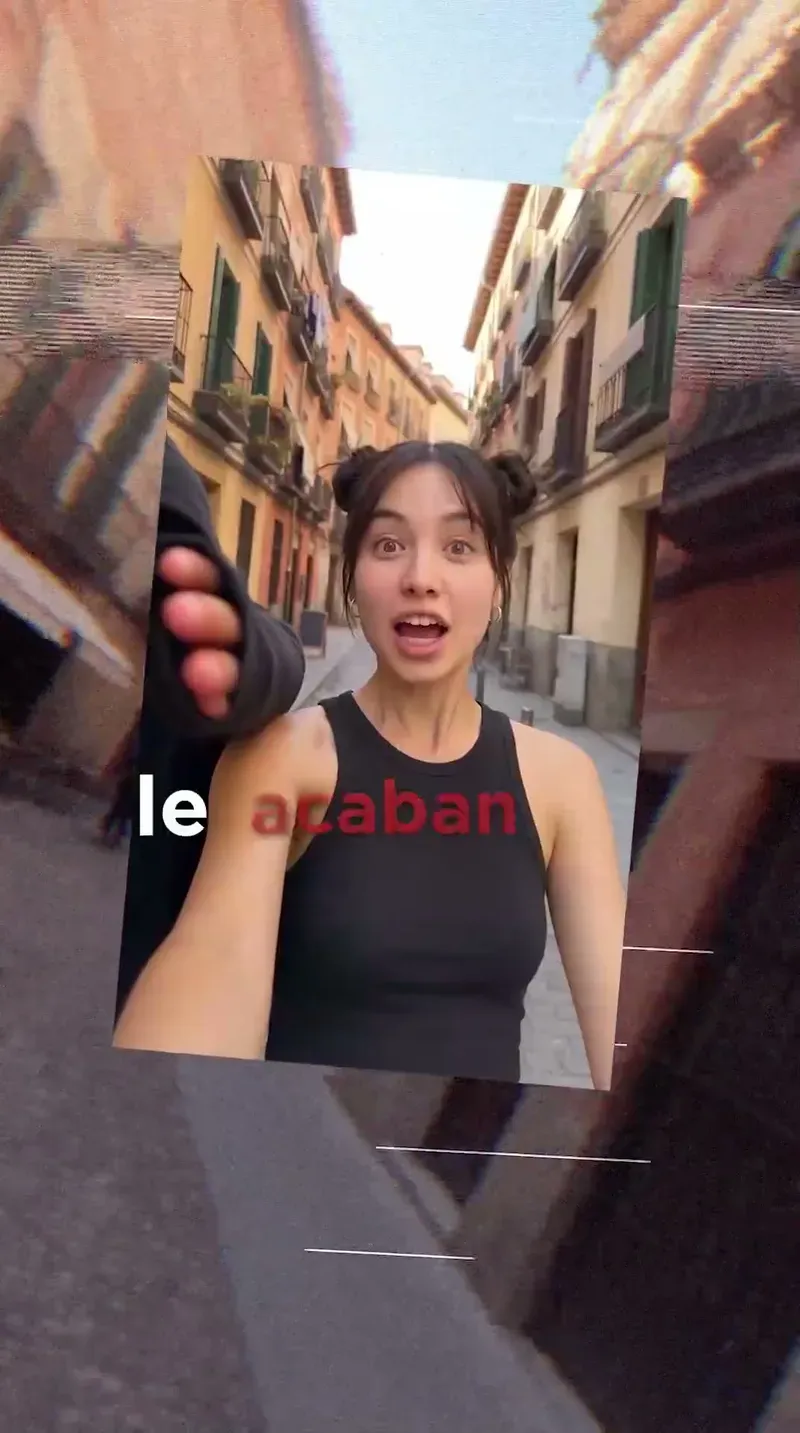
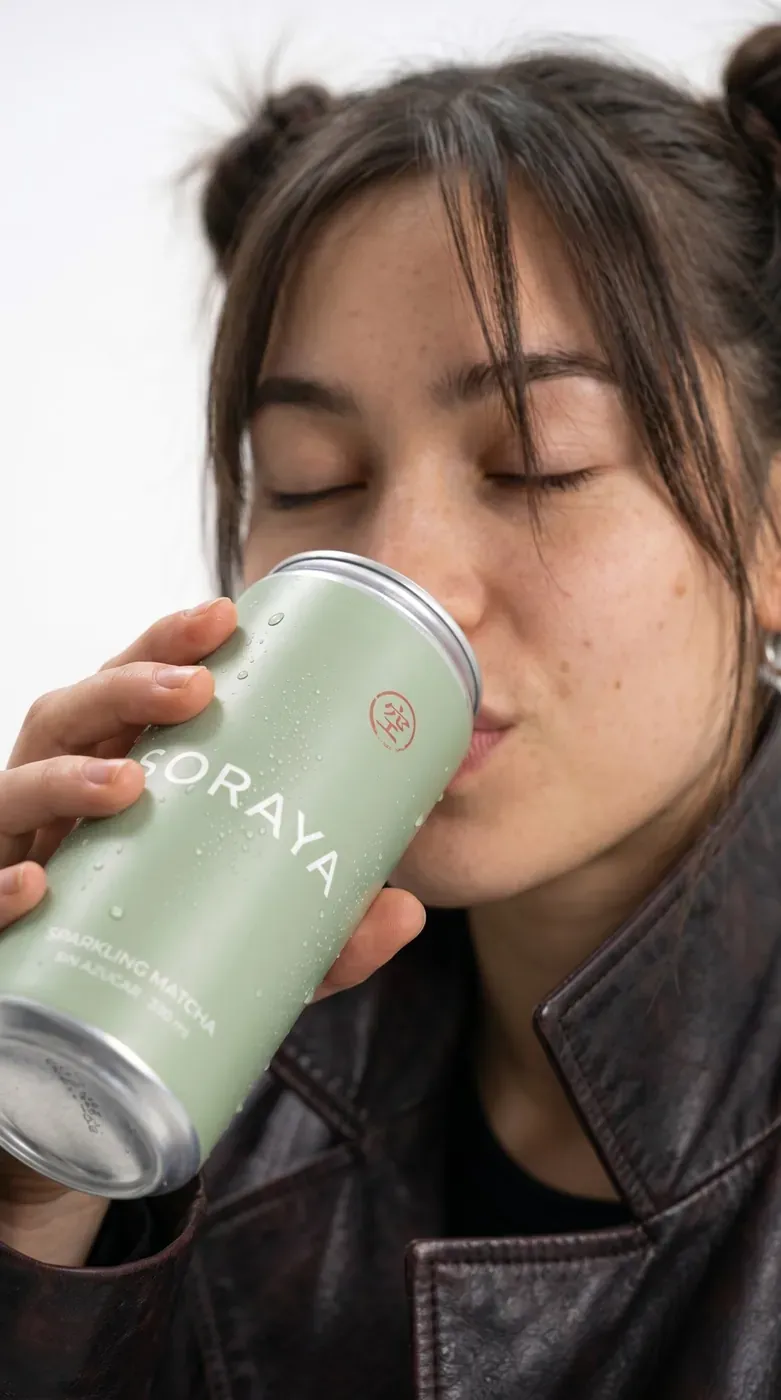
A 30-second ad for a drink that doesn't exist, starring an influencer who doesn't exist, shot in a street that doesn't exist. Everything made with AI.
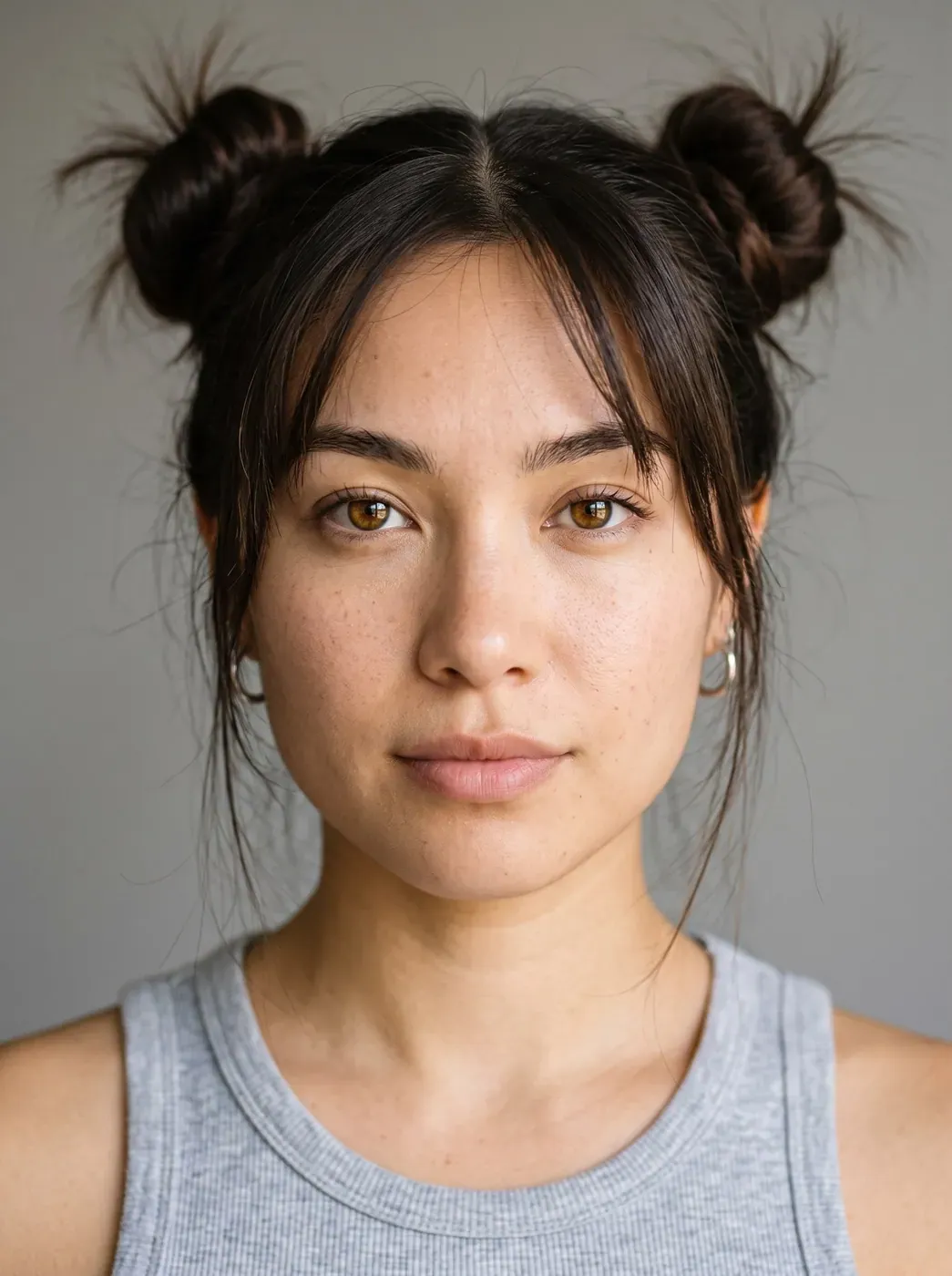
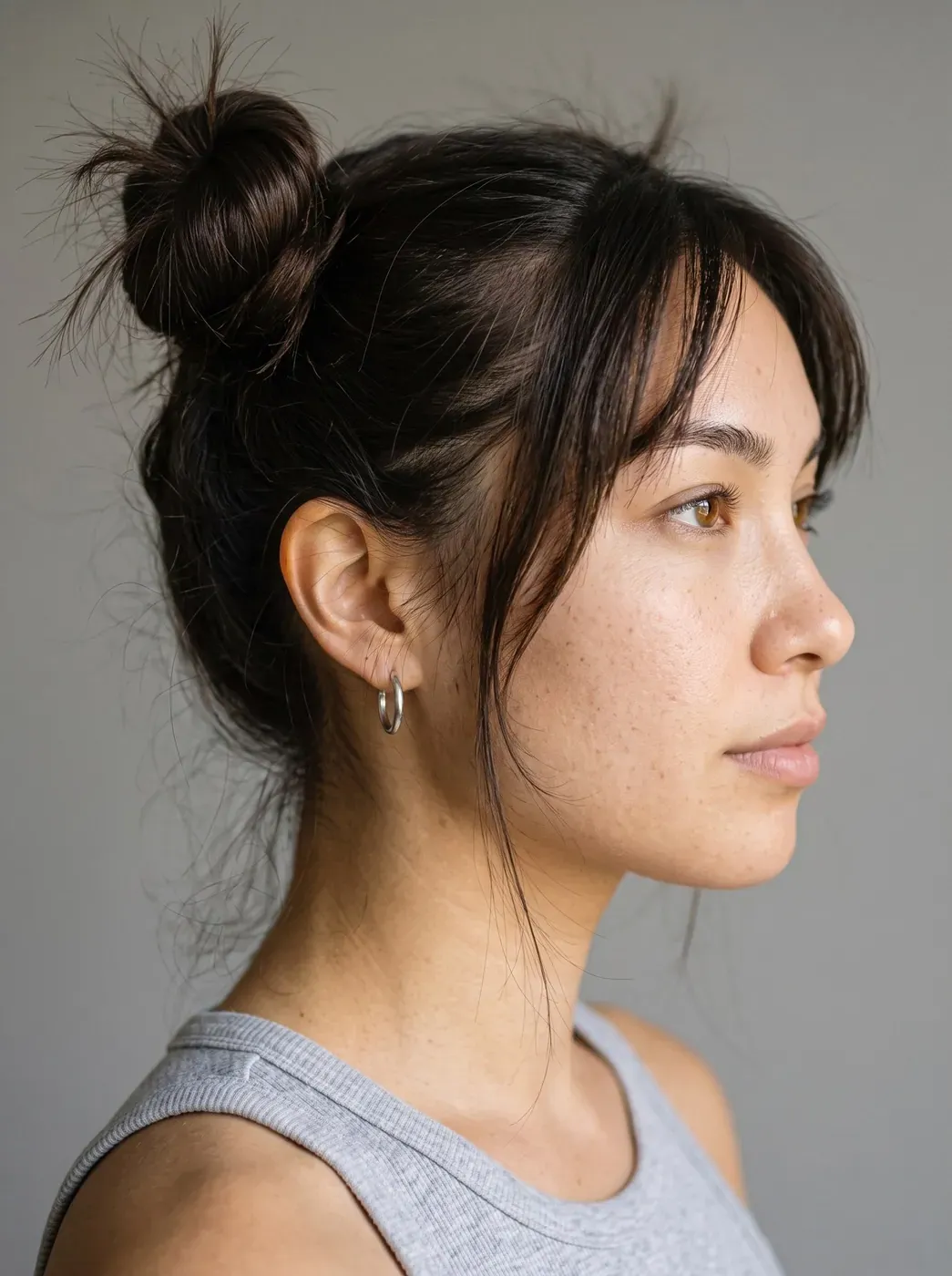
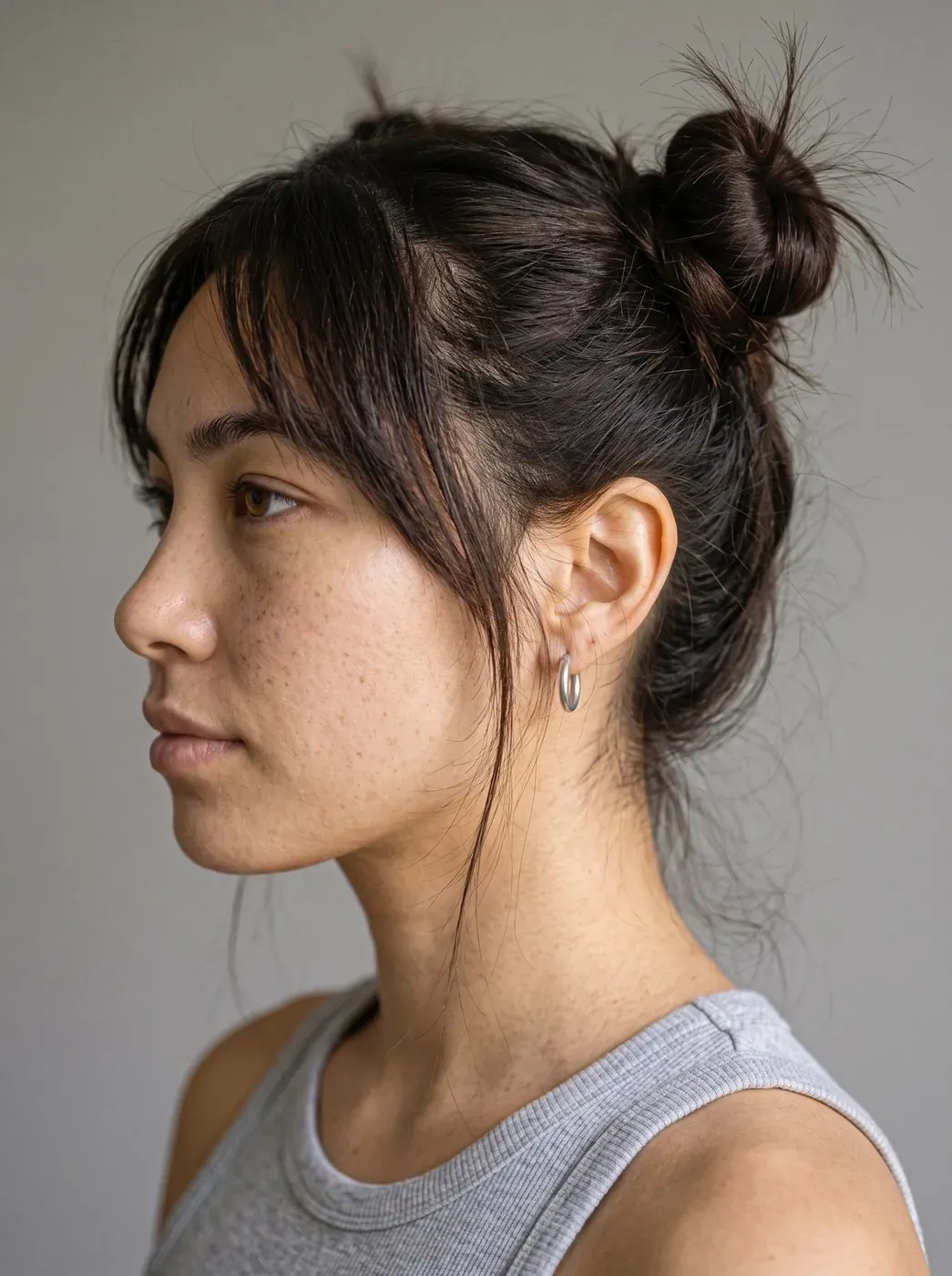
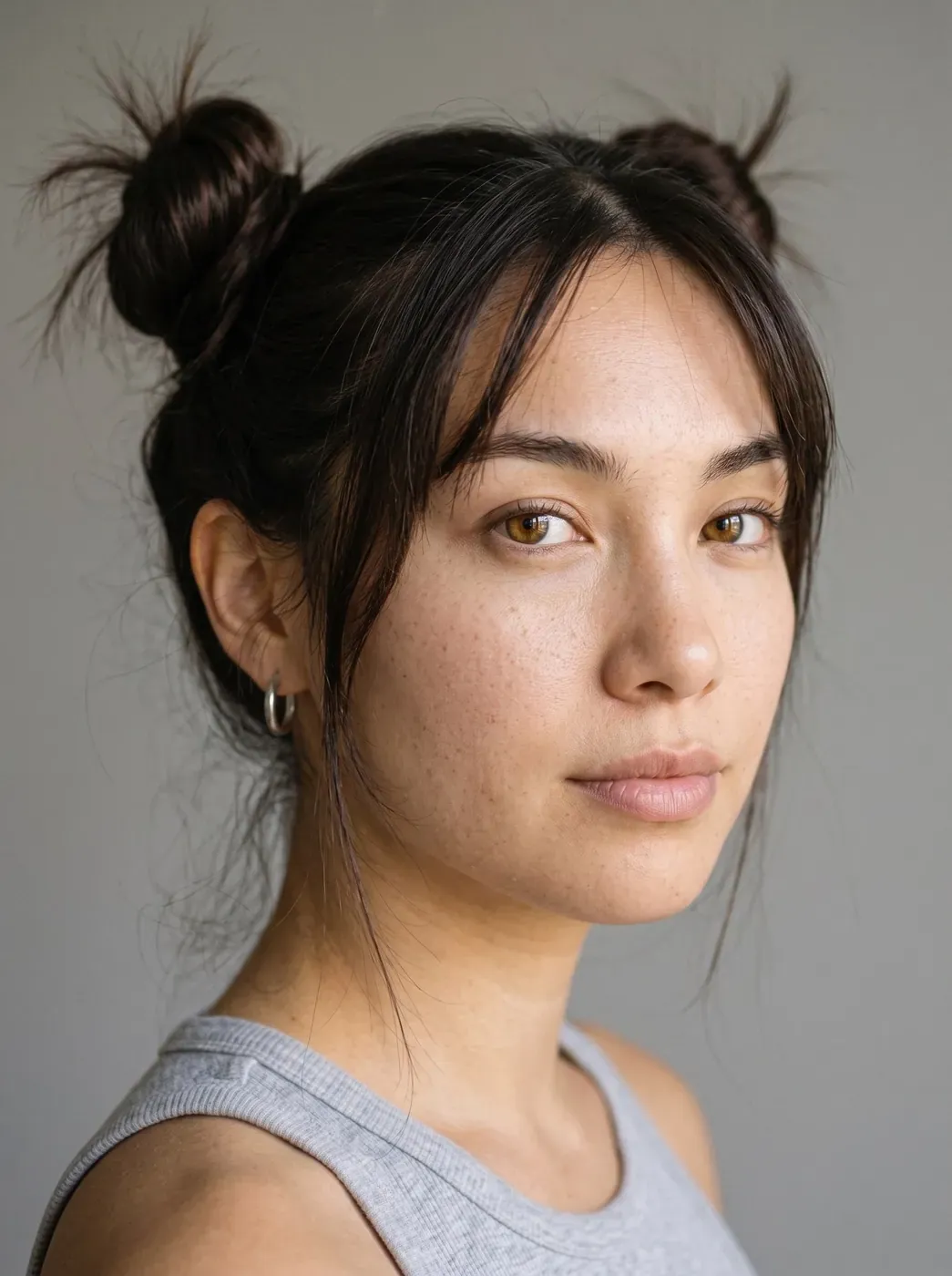
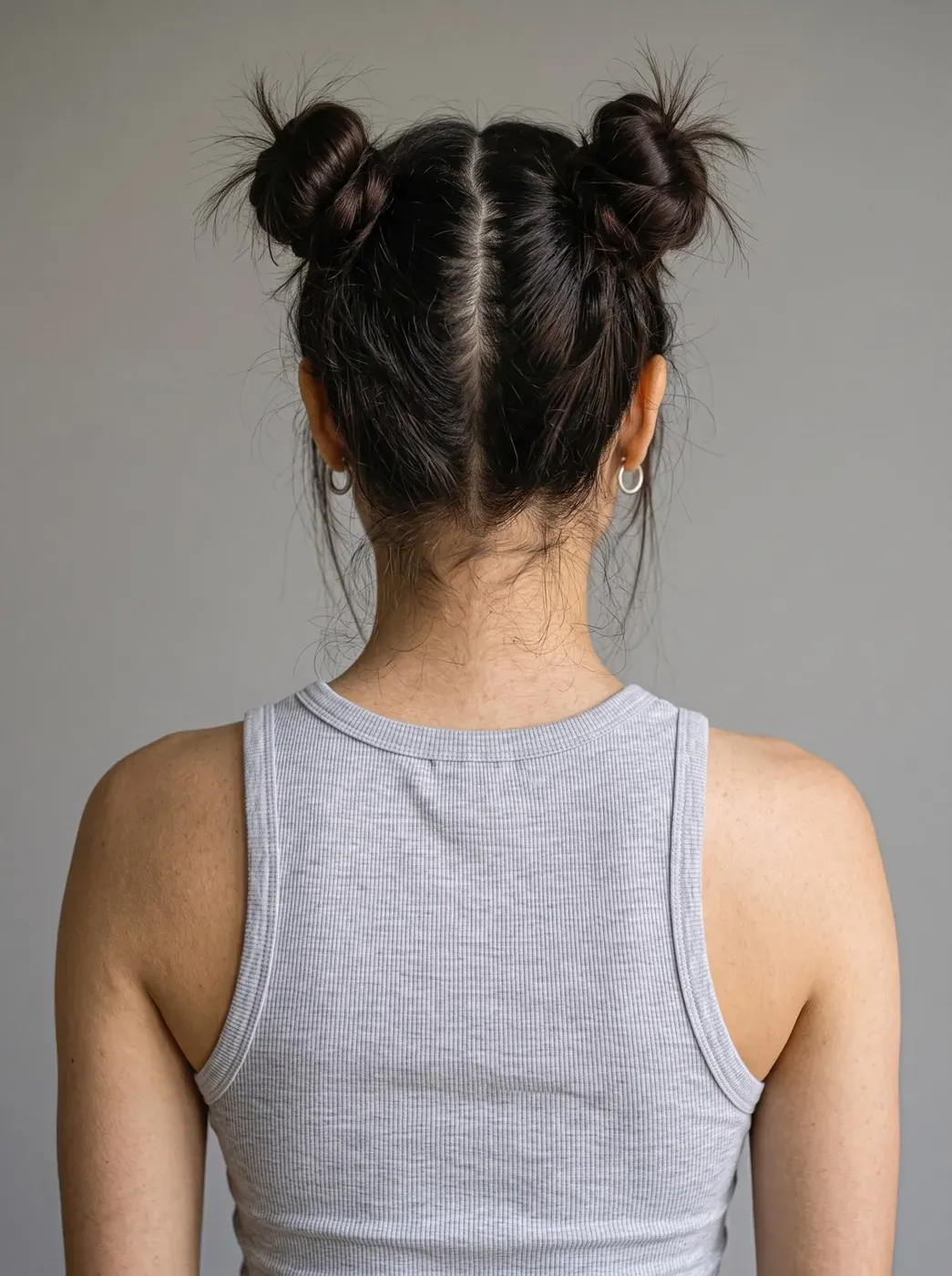
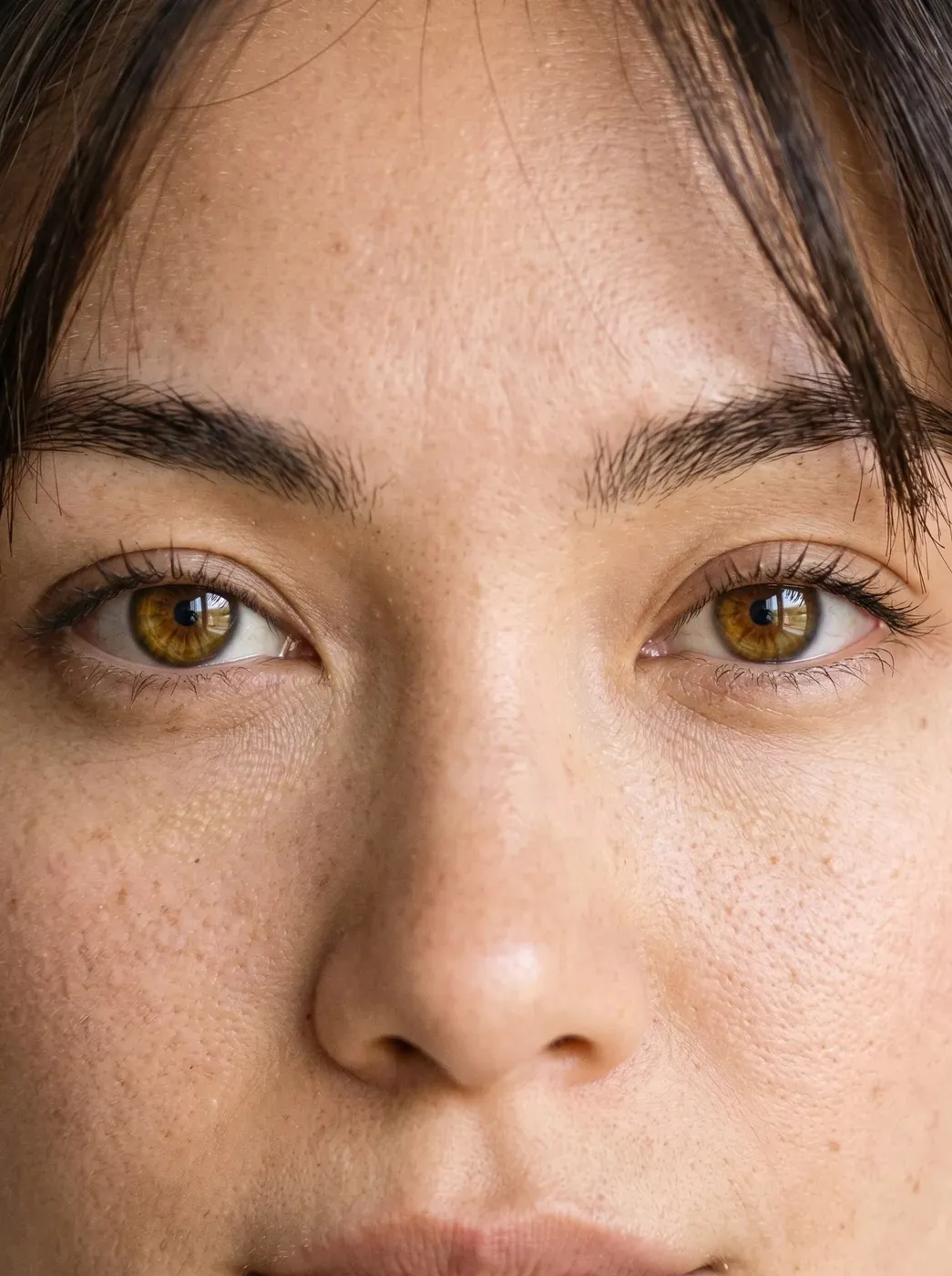
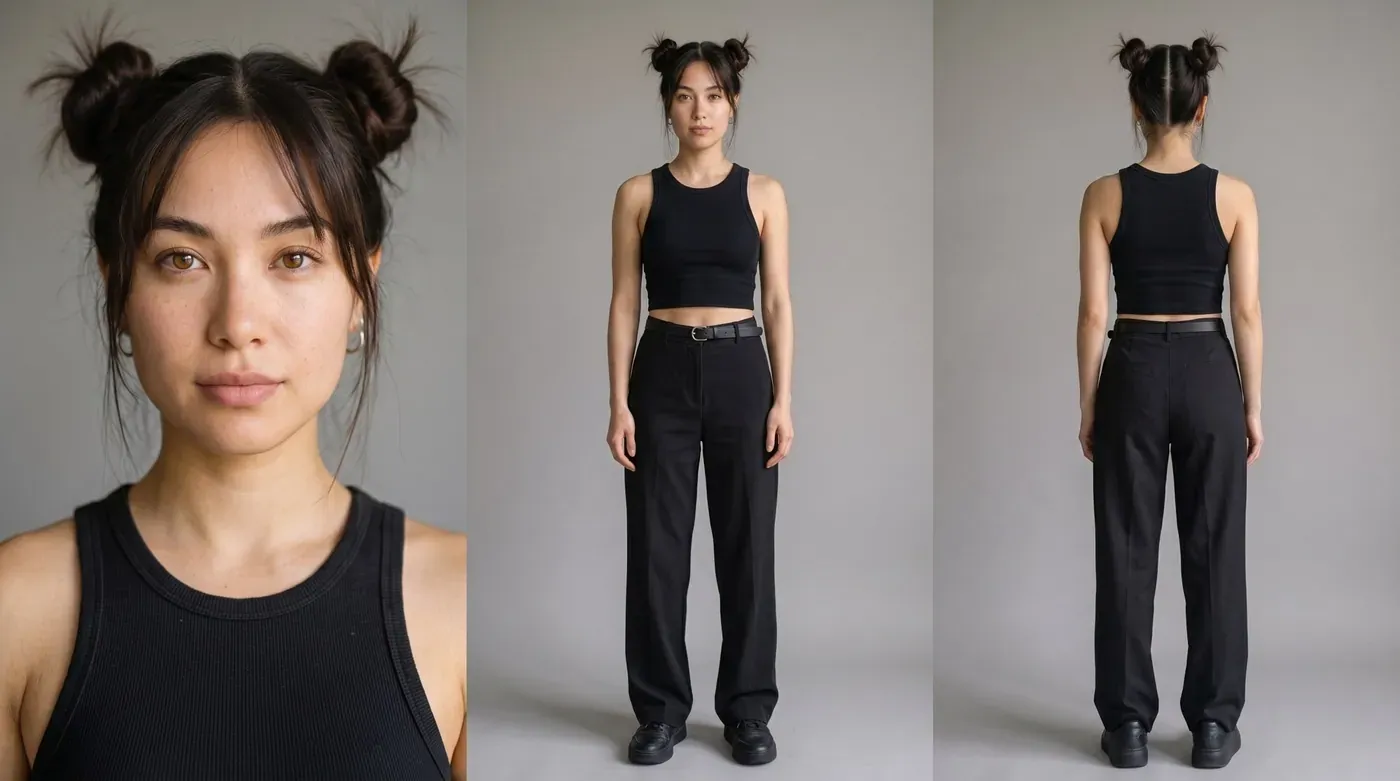
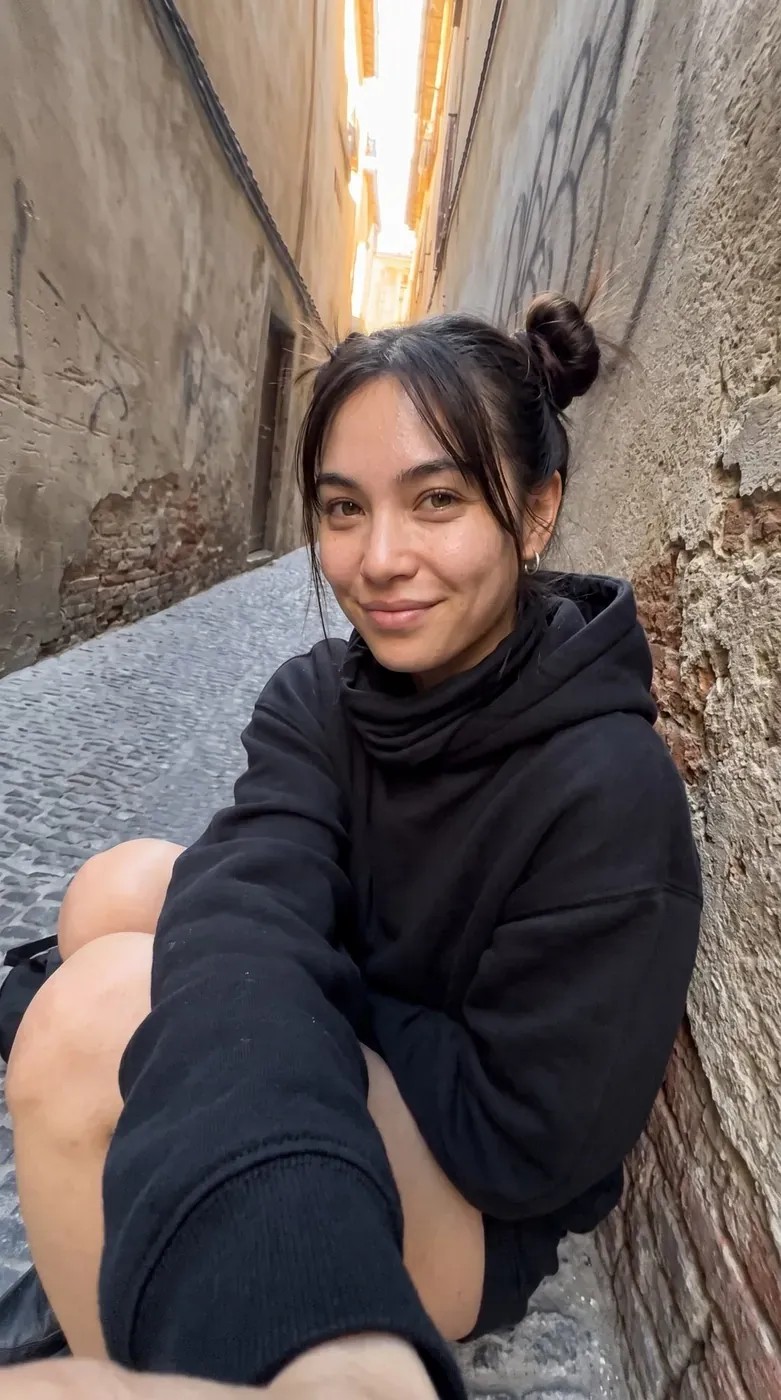
First, the character: a base portrait with Nano Banana Pro in Flow, then her profiles, three-quarter view, back view, full body and even a close-up of her eyes.
Comes from: An ad that doesn't exist
Three panels with the same identity, same light and same outfit. This sheet is her ID card for every scene.
Comes from: Character: one base portrait, every angle
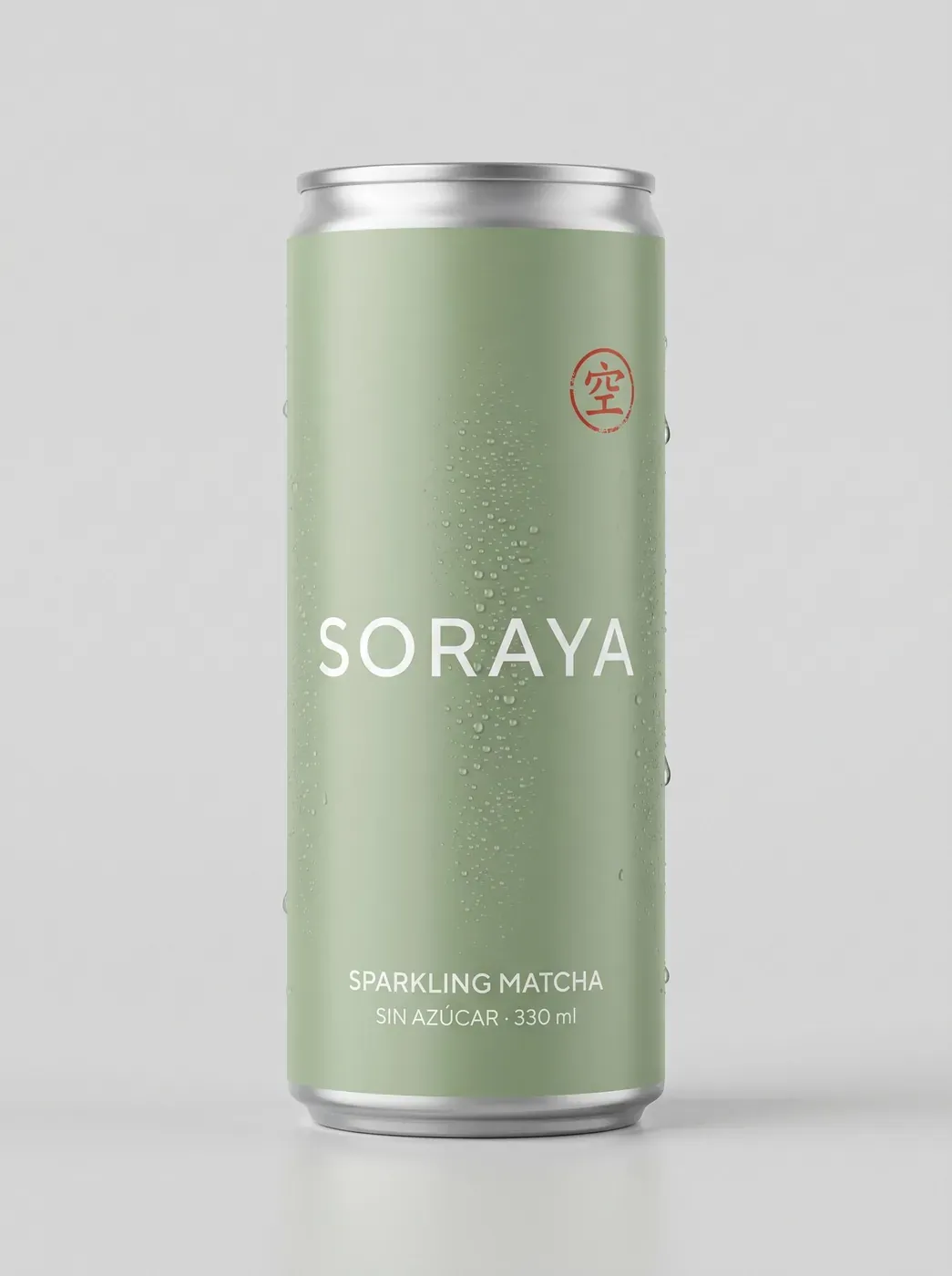
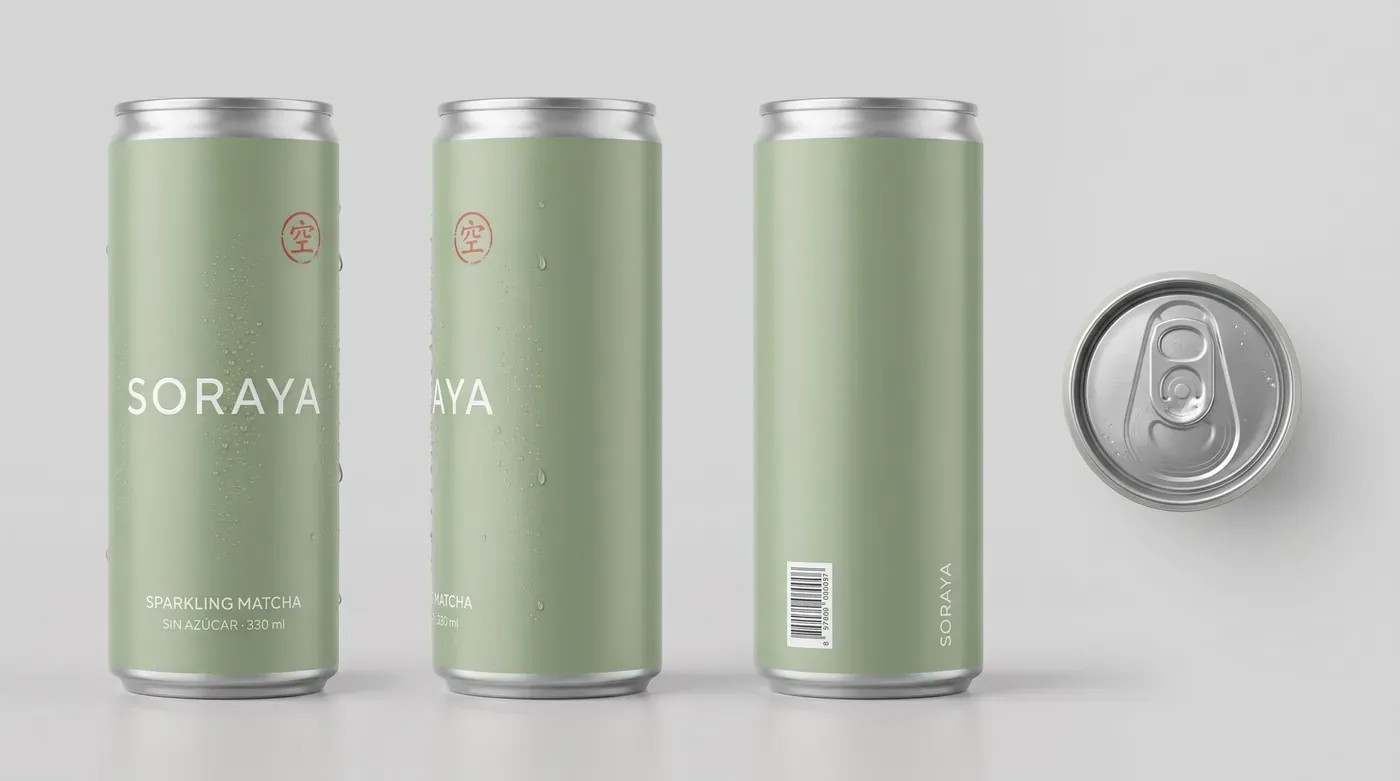
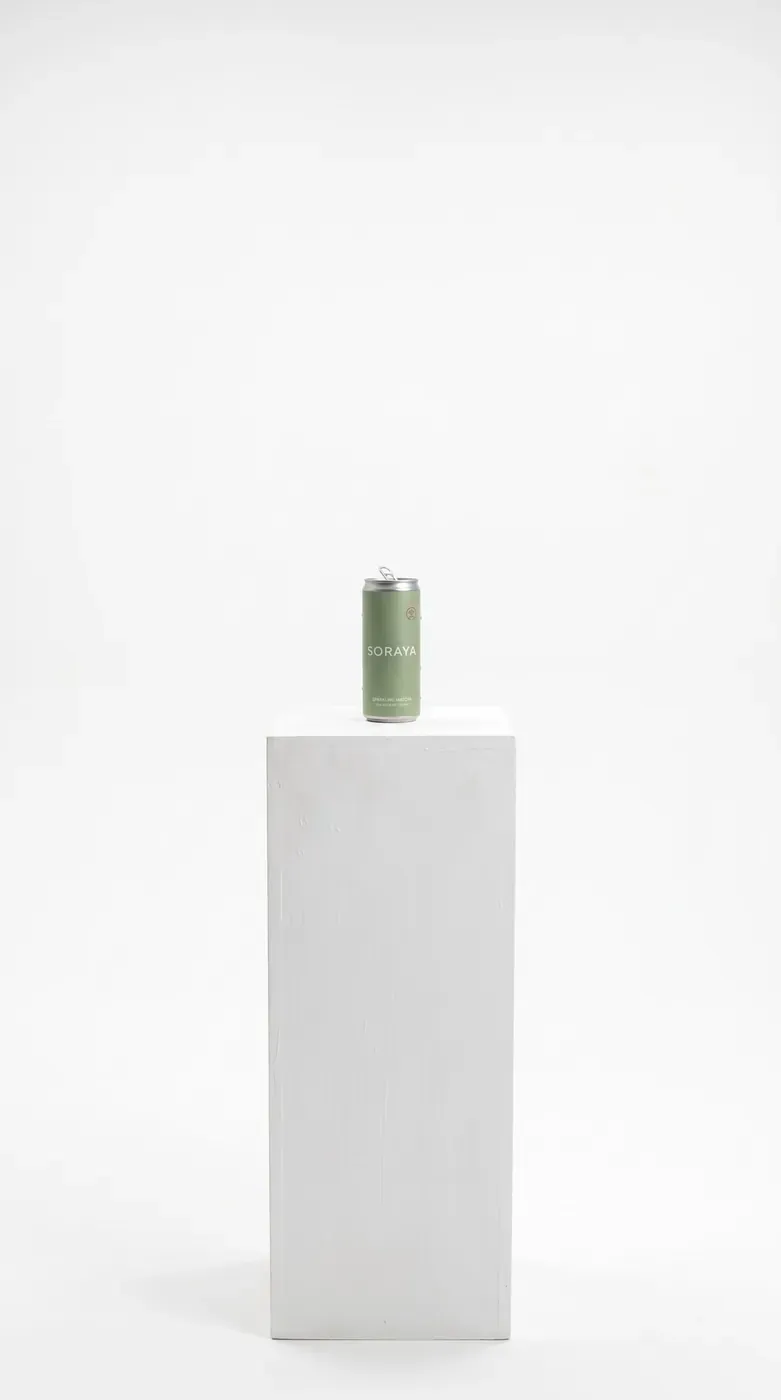
One hero packshot, then a product sheet with front, side, back and top views.
Comes from: An ad that doesn't exist
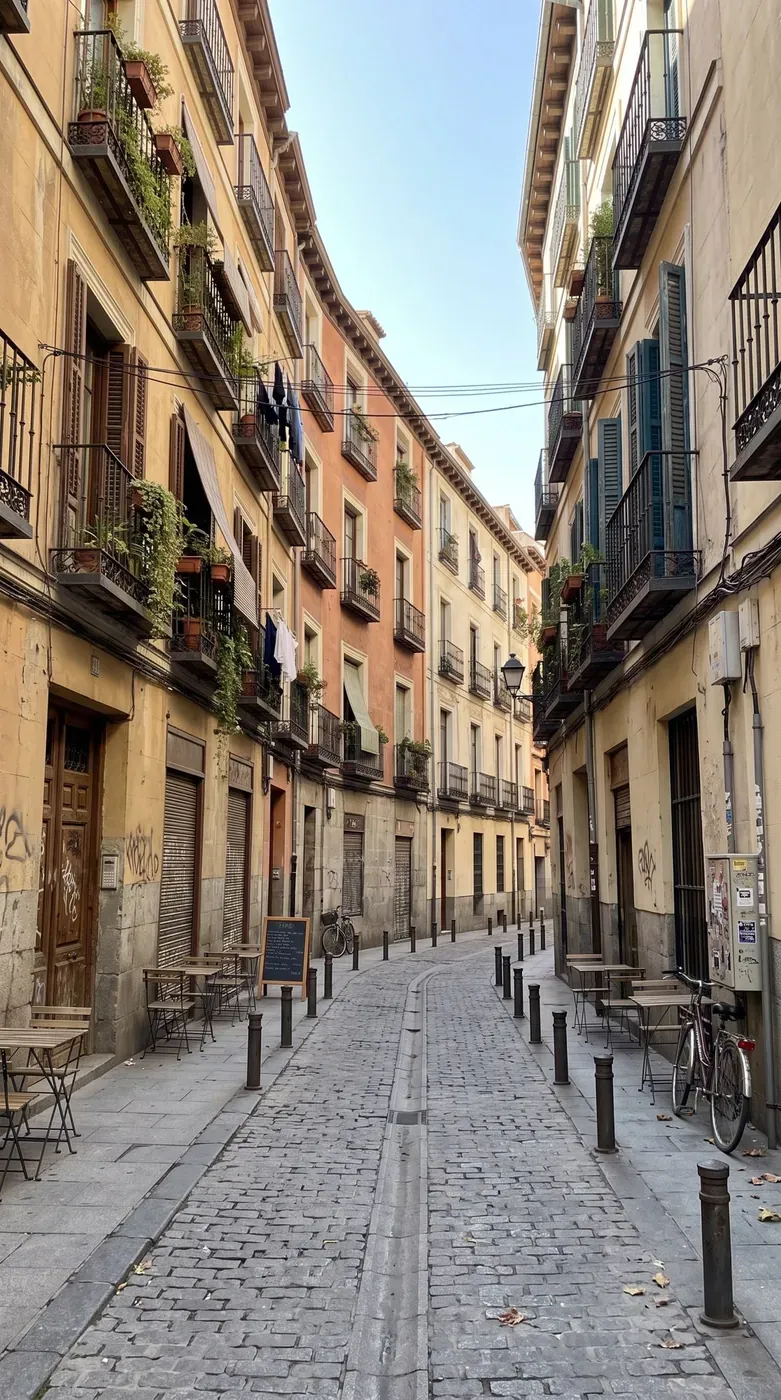
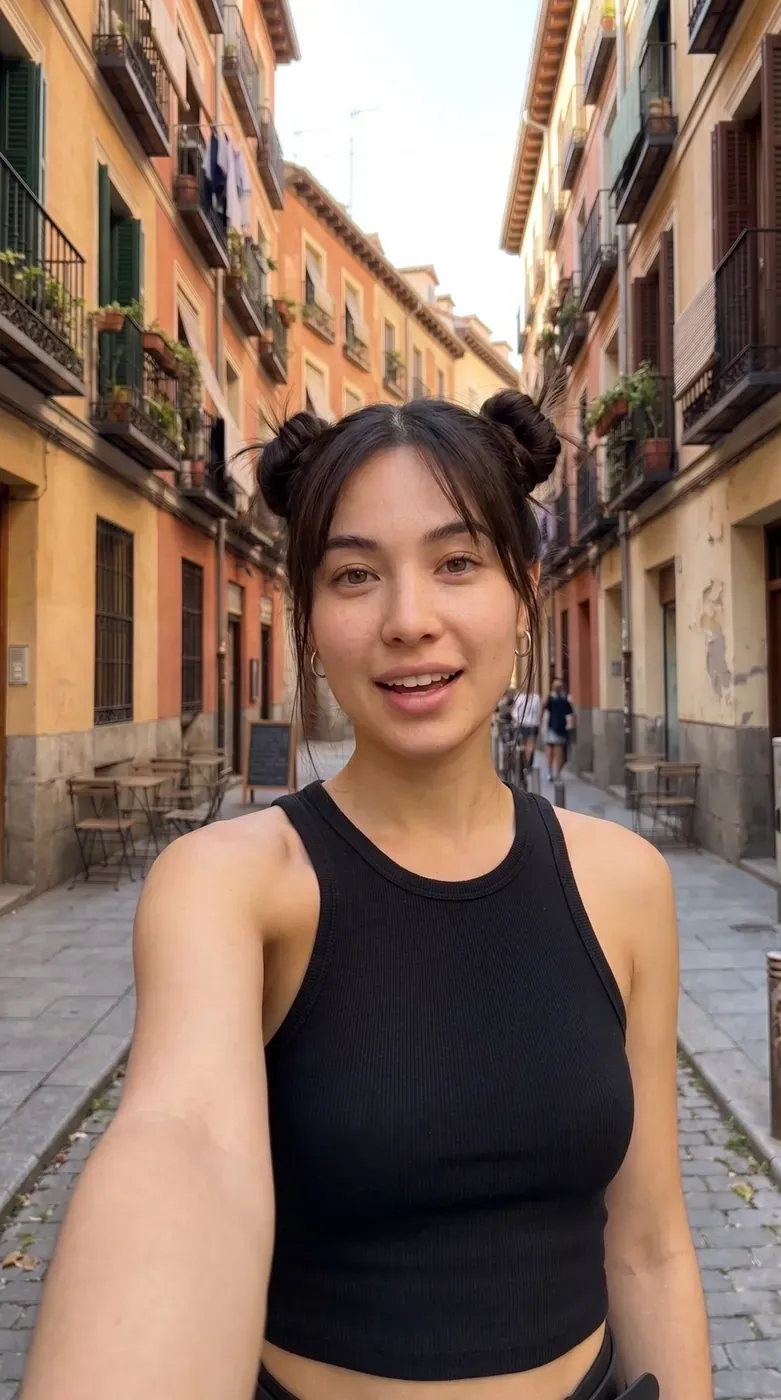
Finally, the locations: a street, an alley and a white void, each with a main angle and a reverse angle.

Comes from: An ad that doesn't exist
I never talk to the generation tools directly with vague ideas. Everything goes through a structured prompt first, with the same structure in every shot.
Comes from: Character sheet = her ID card · Product: so the label never changes · Locations: main angle + reverse angle
You write → you get. If you write “phone”, the model draws a phone; if the face changes, stop describing it with words and point to the reference image.
Comes from: Generate the scenes
For every shot, first I generate the first frame and, when needed, the last frame as images. Images cost cents; video costs euros. Then I animate between those two frames.
Comes from: No vague ideas. Always a structured prompt.
For video, I use Seedance 2.5 through APIMart. I pay per generation, roughly two euros per clip at 1080p. Higgsfield is a good alternative if you're producing several reels a month.
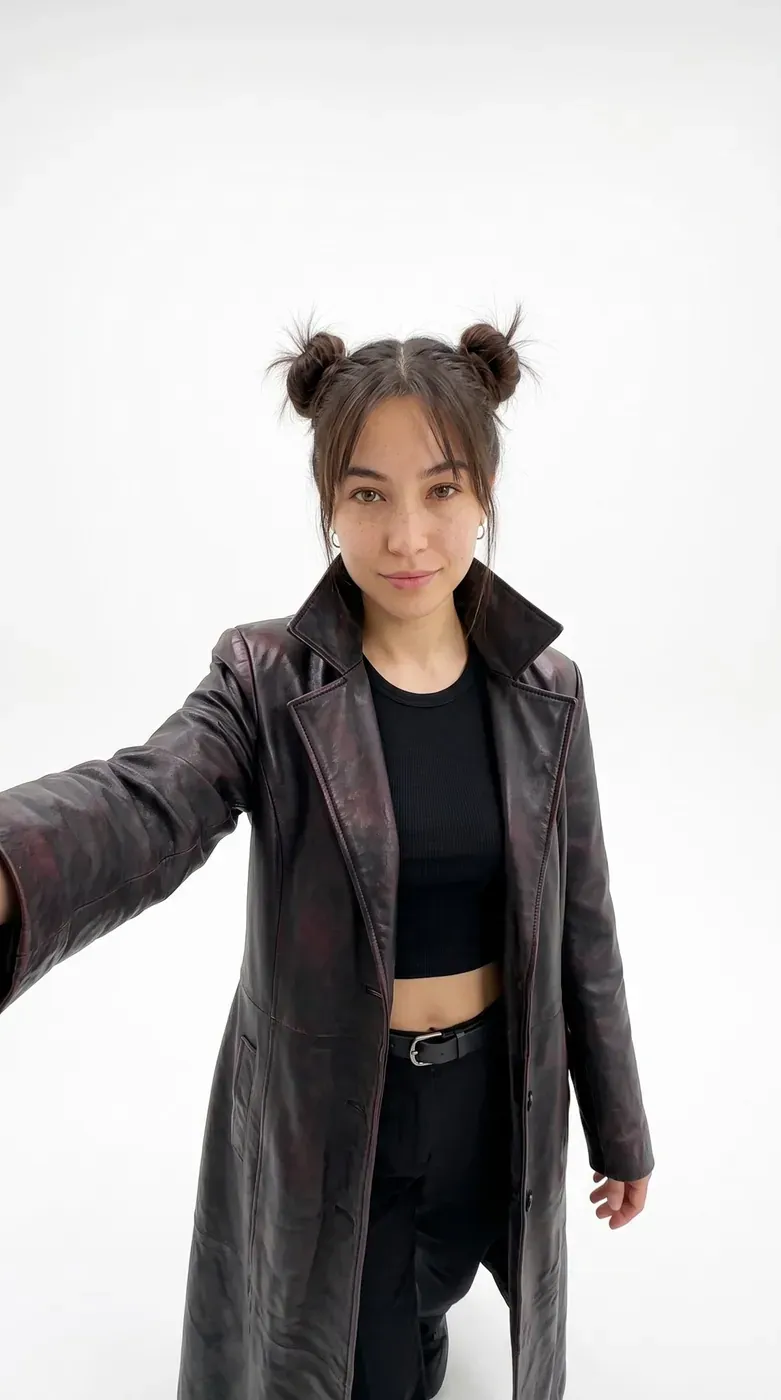
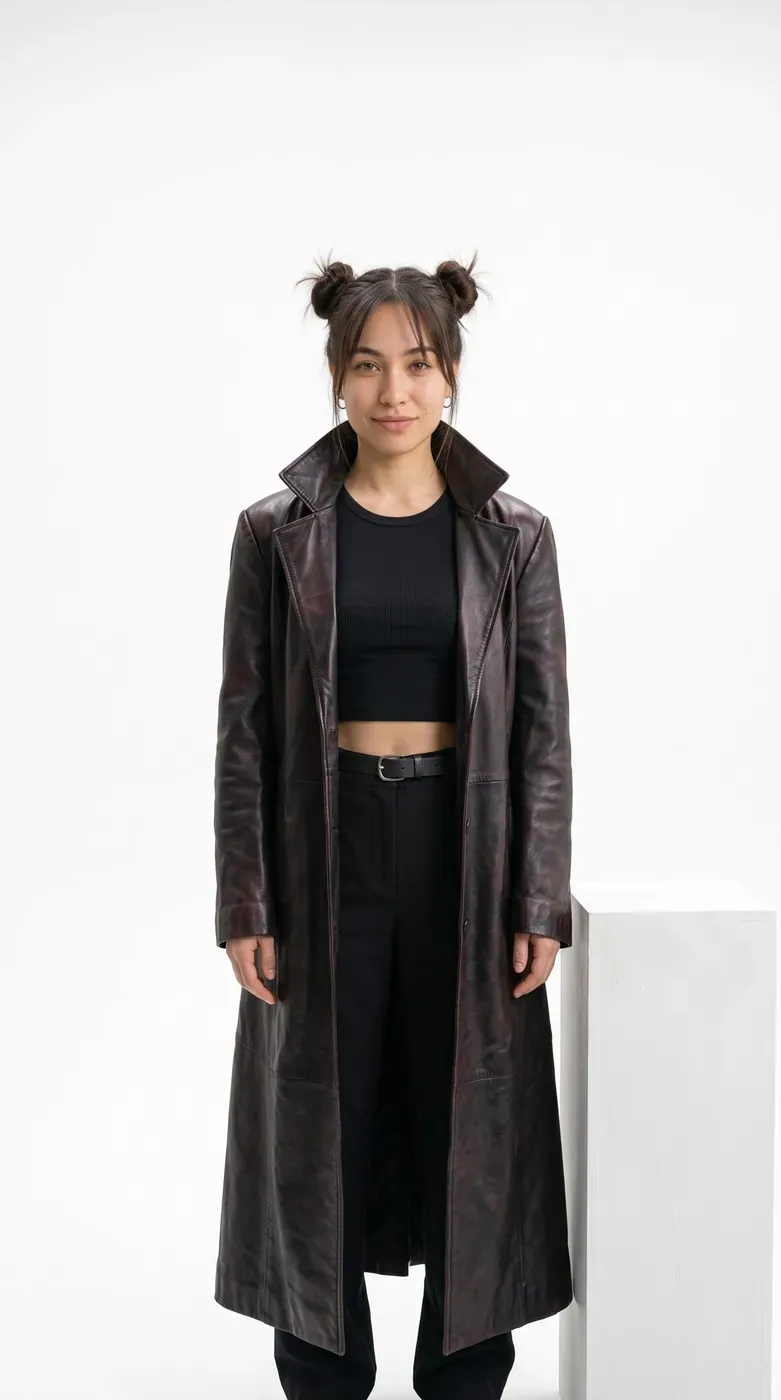
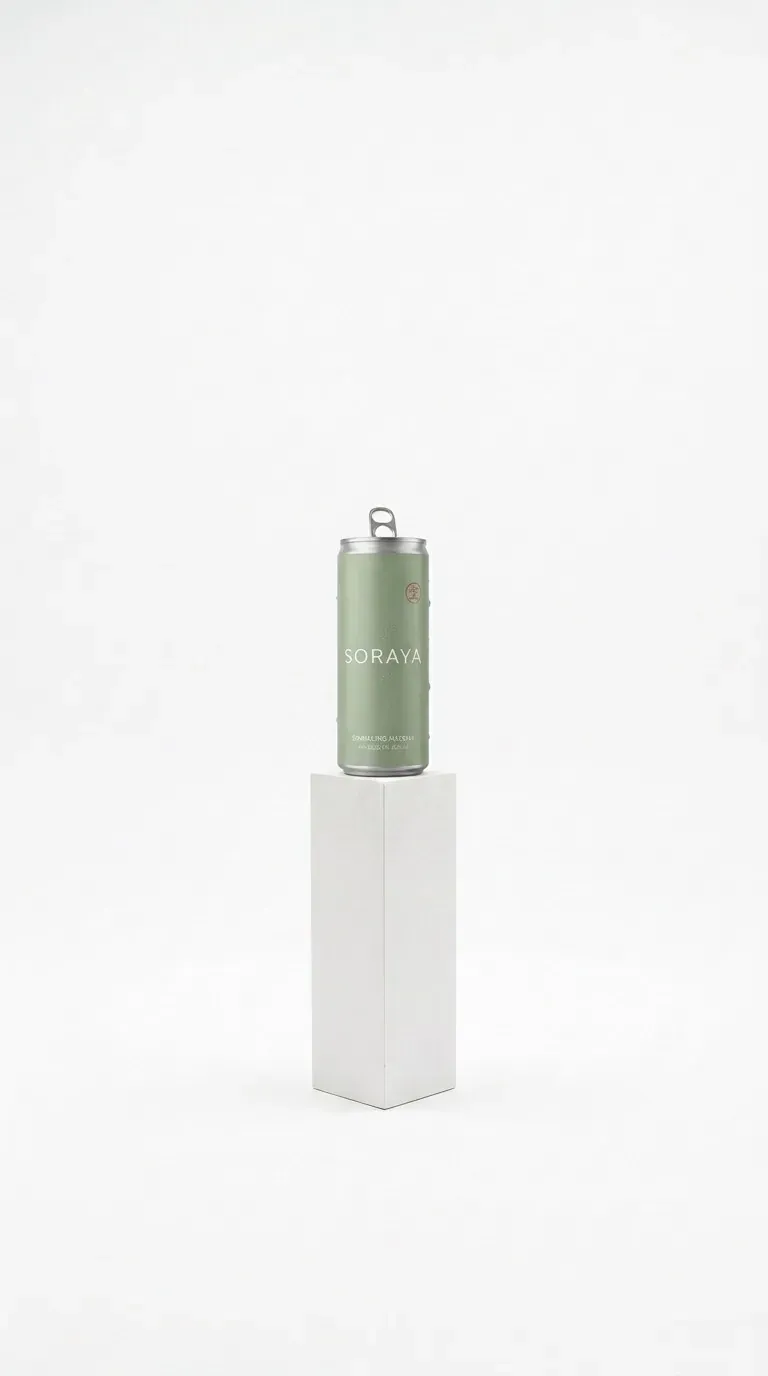
Comes from: Frames first: images cost cents
I generate the track without vocals, in an epic, cinematic electronic style, and I keep the music out of the video generations so I control it fully in the edit.
I trim the clips, sync the music beats with key moments (the music starts on one line, drops on the reveal and cuts dead on the punchline), add subtitles and the final brand card, and make sure the voice is consistent across scenes.
Comes from: Generate the scenes · Music: never inside the video prompt
A 30-second ad for a drink that doesn't exist, starring an influencer who doesn't exist, shot in a street that doesn't exist.
Comes from: Edit: everything comes together in Premiere
A clear director, an AI assistant that turns ideas into precise prompts, and the right generation tools for each job. If you want me to make one of these for your brand, let's talk.
Let's talk on WhatsApp →Comes from: Result: SORAYA, 30 seconds
First short video, published on YouTube Shorts to grab attention and build anticipation. The full video comes later.
Currently available for freelance projects and collaborations worldwide.